Sunday's sermon as Reels and Shorts by Monday
Drop in the sermon recording. Sniperture finds the moments worth sharing, keeps the pastor in frame and captions every word, right on your Mac. No video editor on staff needed, and no monthly bill.
First 3 videos free, every feature, no account · then $79 once · Apple silicon Macs (M1 or newer) with macOS 12 or later
Why sermon clips are worth the time
Most people who might visit your church will never watch a 40-minute message online, but they will watch 45 seconds of it in their feed. A short clip with captions is how a sermon reaches people who scroll with the sound off. The hard part has always been the editing: finding the moments, cropping to vertical, typing captions, every single week.
How it works
Bring in the sermon
Drag in the recording (MP4, MOV, MKV or WebM) from your camera, switcher or livestream archive. If your church streams to YouTube, you can paste the link to your own stream instead. Clip just the message if the file has the whole service.
Get the moments worth sharing
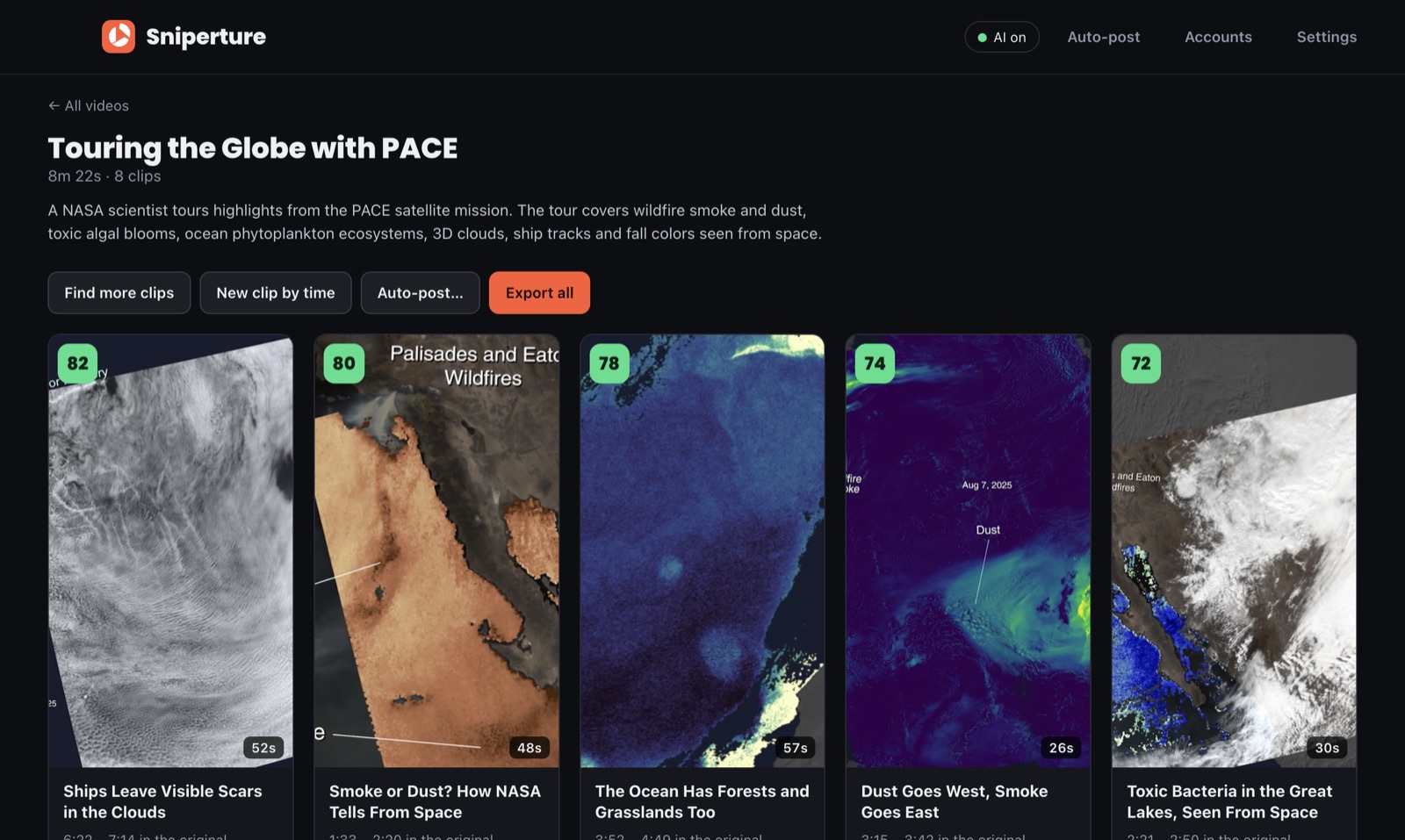
Sniperture transcribes the message on your Mac and hands back clips, scored and titled, best first, with the reason each was picked. Ask for clips about one topic, find more, or mark your own by time.
Check, tweak, post
Fix any caption word (names and scripture references matter), trim from the transcript, then export every clip as an MP4 or send them to YouTube Shorts, Instagram Reels and TikTok, now or on a schedule.
Made for the way church media actually works
- Keeps the pastor in frame. Face tracking follows whoever is talking through camera cuts, and shots without a face are shown whole on a blurred backdrop.
- Captions people read with the sound off. Word-by-word captions in ten styles. Set your church's fonts and colours once with a saved brand template and every clip matches.
- Your logo on every clip, plus an optional hook title and progress bar.
- Even sound. Loudness is evened out, so the worship-to-sermon jump doesn't blast anyone.
- Two Macs per license, for example the media desk and the volunteer's laptop.
Your congregation's video stays on your Mac
Transcribing, framing and rendering all happen on the Mac. There is no account and nothing is uploaded to us; a clip leaves the Mac only when you post it. That matters when a service includes prayer requests, children or baptisms you'd rather not send to a cloud service. Read the privacy policy.
One purchase, not another subscription
Sniperture Pro is $79 once (launch price through December 31) and includes every version 1 update, with a 14-day money-back guarantee. Make clips from your first 3 sermons free first, with every feature and no card. Checkout is handled by Polar, who also handle sales tax.
Questions church teams ask
Can I use our livestream recording?
Yes. Use the recording file your streaming software or switcher saves, or paste the link to your church's own YouTube stream. If the file has the whole service, you can clip only the part with the message.
Do we need an AI account?
No. Without one, a built-in picker on your Mac chooses the moments. If you add your own Anthropic API key, Claude reads the transcript text (never the video) to pick and title clips and write post captions, and you pay Anthropic directly for what you use.
Will the captions get names and Bible references right?
Usually, but always read them before posting. Every word is editable, and fixing one is a click in the transcript.
Does it run on our Mac?
It needs an Apple silicon Mac (M1 or newer) with macOS 12 or later. It does not run on Intel Macs or Windows.
Can we clip someone else's sermon?
Only with permission. Sniperture is made for churches and creators clipping their own services and videos.

This Sunday's message is next week's posts
Try Sniperture on 3 videos, free.